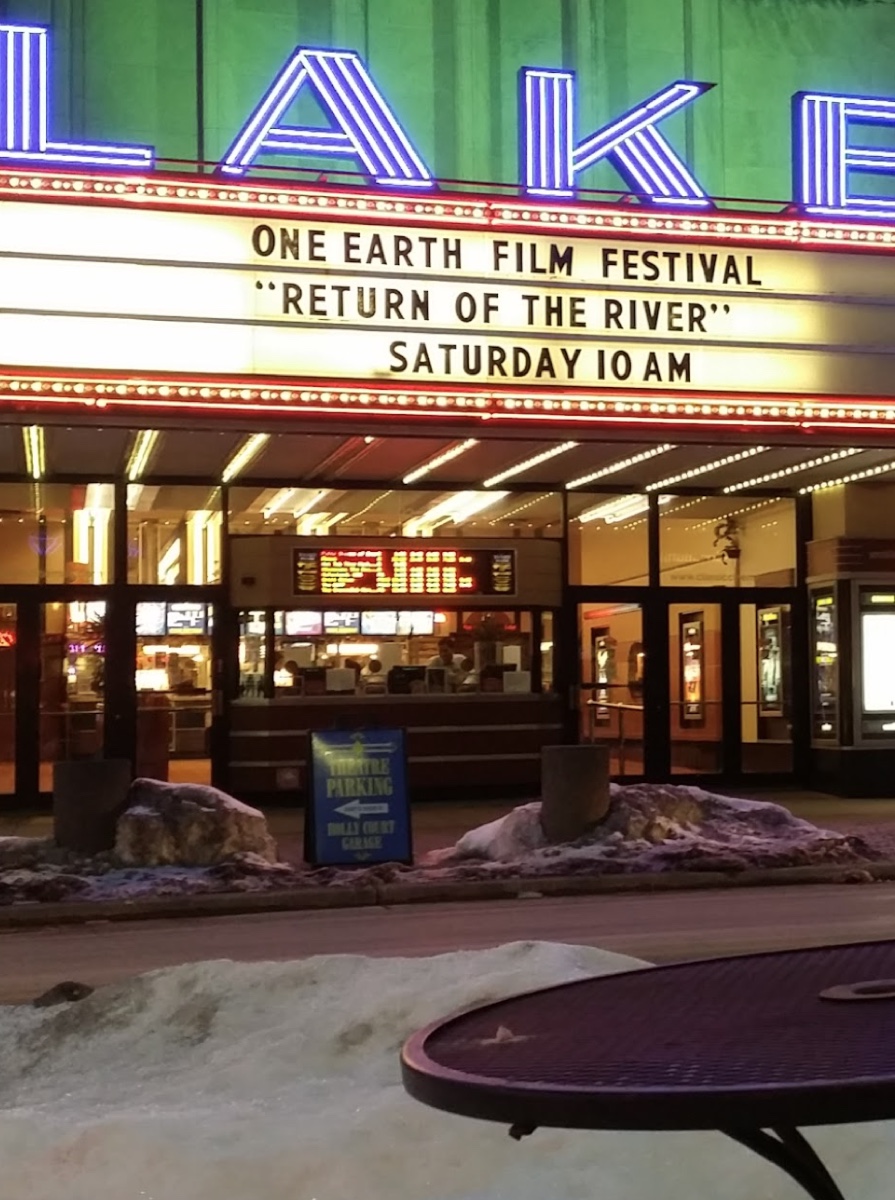
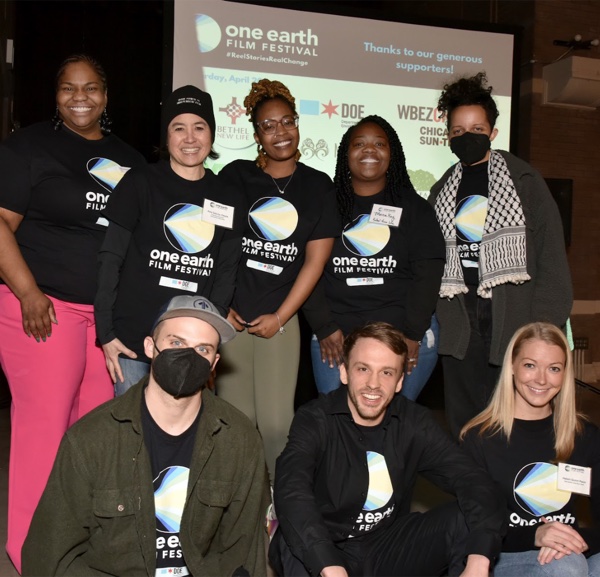
One Earth Film Fest happens in 30+ venues across Chicagoland — libraries, churches, schools, community centers, backyards. Each screening is hosted by people who believe environmental stories deserve to be shared, discussed, and acted on together.

You bring your community. We bring the films. Together, we build a distributed festival that reaches neighborhoods a single theater never could.

"Our screening brought out people we'd never seen at the library before. The film gave us something real to talk about."
— Branch coordinator, Oak Park Public Library (3rd year hosting)

Thanks for hosting with us. This page has everything you need: timeline, technical specs, your screening packet, and how to reach us if anything comes up.

Where we are now: Film selections are complete. In February, we're working with you on program design — think discussion formats, panelists, action tables. Marketing materials are coming soon.

Curious? Share a few details about your space — we'll be in touch.

1

Becoming a Host

What does hosting involve?

You handle

  • Venue and seating
  • Promote to your community
  • Run the screening
  • Optional: discussion, refreshments

We provide

  • Film file + pre-show content
  • Marketing templates
  • Technical support
  • Festival-wide promotion
Why host a screening?

OEFF uses a head-heart-hands model — films educate, stories create connection, and programming moves people toward action.

  • Lift up your goals — Use the screening to launch or bolster your environmental or climate justice work
  • Activate your community — Draw new visitors and deepen engagement with existing members
  • Shared reach — Your screening joins festival-wide marketing to 10,000+ residents
  • Action, not just entertainment — "Wrap" the film in discussions, panels, action tables — before, during, after
What kinds of venues host?

Past hosts include universities (Loyola, Northwestern, UIC), museums (Shedd, MSI, Peggy Notebaert), churches and faith communities, public libraries (Oak Park, Waukegan, CPL branches), theaters (Wilmette, Pickwick, Lake), breweries, community centers, nature centers, and school auditoriums.

If you have a space where 60+ people can watch a film together, we'd like to hear from you. Hosts can be located within or outside the Chicago region. First-time hosts are especially welcome.

What does a screening look like in practice?

Every host shapes their event differently. A few examples from past years:
  • Women of Carbon — Chicago Architecture Center hosted a panel with Studio Gang architects and women leaders in green building
  • Going Circular — Loyola set up a lobby action fair with Collective Resource before the film, followed by faculty-led discussion
  • A Plastic Ocean — Chicago Cultural Center opened with two environmental artists in the rotunda, then WBEZ's Shannon Heffernan facilitated discussion with Shedd Aquarium
  • Bike films — Local cycling groups led community rides to the venue; CDOT and Divvy joined the post-film panel
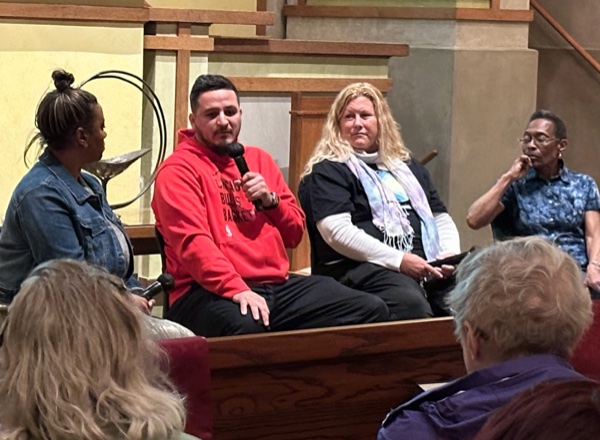
These range from simple (film + Q&A) to elaborate (pre-event activities + panel + action tables). Start where you're comfortable — we'll help you build from there.

What's the time commitment?

Before the festival: 3-5 hours total — coordinating dates, promoting, reviewing tech setup. Plus 4 optional host webinars (Feb-Apr).

Day of: 30 min setup, 90-120 min screening, 15 min wrap-up.

📌 Your next step
Fill out the host interest form — it takes about 5 minutes and gets the conversation started.
2

Timeline

What's the schedule leading up to festival?
Jan

Commit + select film ✓

Confirmed host kickoff (1/20), film selection deadline (1/30). Just joining? It's not too late — reach out to our team.

Feb

Program design ← You are here

Visioning meeting, shape your event format — panels, discussions, action tables. Host webinars begin.

Mar

Marketing + schedule launch

Public schedule announced mid-month, heavy promotion begins. Screening packets delivered late March.

Apr

QC + final prep (Apr 1–21)

Test your packet, verify playback works, recruit volunteers. Office hours available mid-April.

🎬

Festival week (Apr 22–26)

Earth Day launch party (22), hosted screenings Thu–Sat (23–25), Cultural Center closing (26)

📌 Your next step
Schedule your program visioning meeting. Email [email protected] to set up a time.
3

Technical Requirements

What equipment do I need?
Component Requirement
Playback Laptop with HDMI output
Display Projector or large TV (55"+)
Audio Speakers adequate for room size
Software VLC Player (free)

Most libraries and community spaces already have this setup. We'll help troubleshoot if needed.

Component Requirement
Format DCP or ProRes file
Delivery Hard drive or secure download
Lead time Files delivered 2 weeks prior

We'll coordinate with your projectionist on format and delivery.

What about internet access?

Not required for playback. All films play from local files — no streaming, no buffering worries.

Internet is only needed to download your screening packet ahead of time.

📌 Your next step
Confirm your AV setup meets the requirements above. If you're unsure, email [email protected] with details about your space.
4

Your Screening Packet

What's included?
  • Film file(s) — Your feature film (MP4 for community venues, DCP/ProRes for cinemas)
  • Pre-show content — Young filmmakers winner, fest trailer, sponsor acknowledgments (~3-5 min)
  • Readme file — Setup guide, day-of checklist, troubleshooting steps
  • VLC playlist — Pre-built to run pre-show → film automatically
  • Emergency contacts — Phone hotline staffed during festival week

Delivery + Testing

Your packet arrives late March via secure download link (password-protected, venue-specific). Test playback before your screening — run the full file, not just the first 30 seconds. If something's wrong, we have time to troubleshoot or send a replacement.

📌 When you get your packet
Download everything to one folder. Open the playlist in VLC. Run a full test. Email us to confirm it works — or call the hotline if it doesn't.
5

Troubleshooting

Something's wrong 30 minutes before my screening!

Most issues have quick fixes:

  1. Close and reopen the player. Restart laptop if needed.
  2. Try VLC — it's the most reliable fallback.
  3. Check connections — unplug and replug cables.
  4. Call us — during festival week: 📞 [Phone number TBD]. We pick up.

Worst case: We can provide a backup streaming link for emergency use.

6

Getting Help

Before Festival Week

[email protected]

Response within 24-48 hours

During Festival Week

📞 [Phone number TBD]

Staffed hotline, April 22–26

Interested?

Share a few details about your space. We'll be in touch.

Start the Conversation

Questions?

Reach out anytime — we want your screening to succeed.

Contact Us